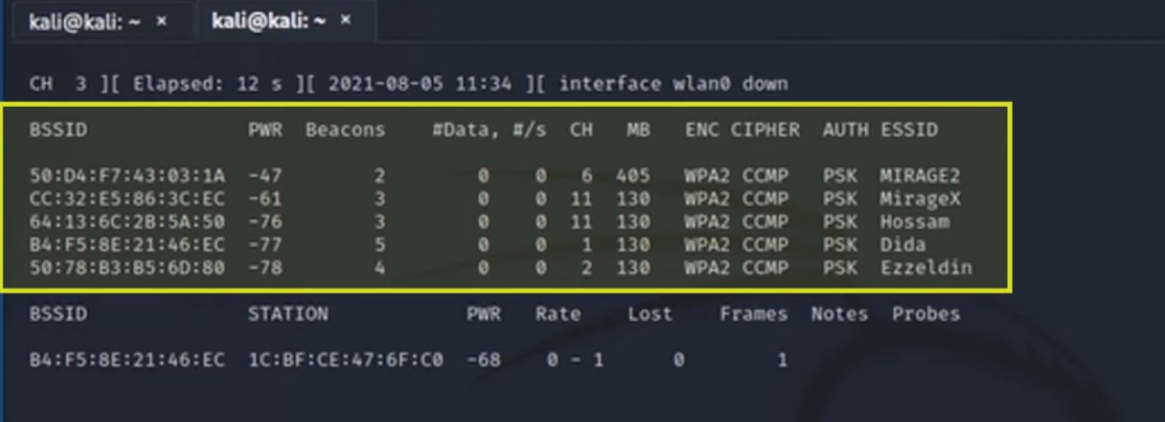
# Capture Wi-Fi Traffic
### Automate Method
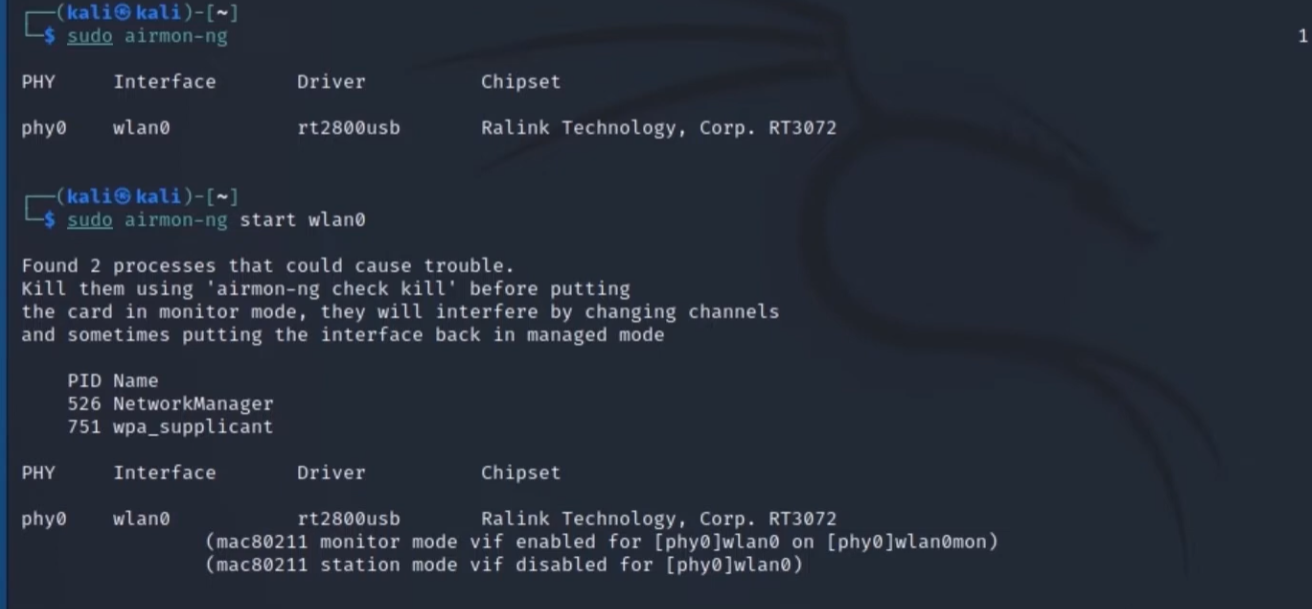
**enable monitor mode on wireless adapter**
```bash
airmon-ng start nameofCard
# disable
airmon-ng stop nameofCard
```
***
### **Manual Method**
**First → power down interface**
```bash
sudo ifconfig wlan0 down
```
**Second → enable Monitor mode**
```bash
sudo iwconfig wlan0 mode monitor
```
 **Third→ Power Up interface**
```bash
sudo ifconfig wlan0 up
```
***
### Capture Traffic
```bash
sudo airodump-ng wlan0
```
**Third→ Power Up interface**
```bash
sudo ifconfig wlan0 up
```
***
### Capture Traffic
```bash
sudo airodump-ng wlan0
```